
GPS Positioning & Pole Tilt Detection on Smart Street Light Gateways
Answers to the 15 questions buyers and engineers asked after our smart street light gateway demo — covering dual-mode positioning, tilt initialization and the global tilt alarm.
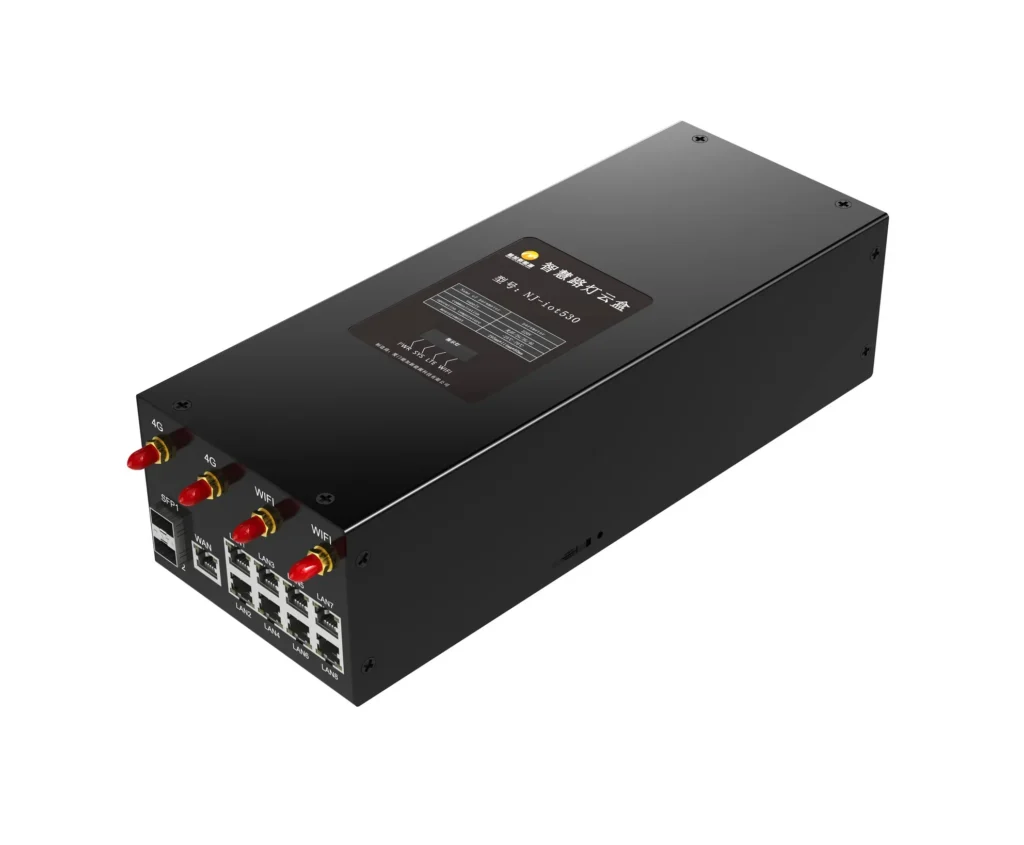
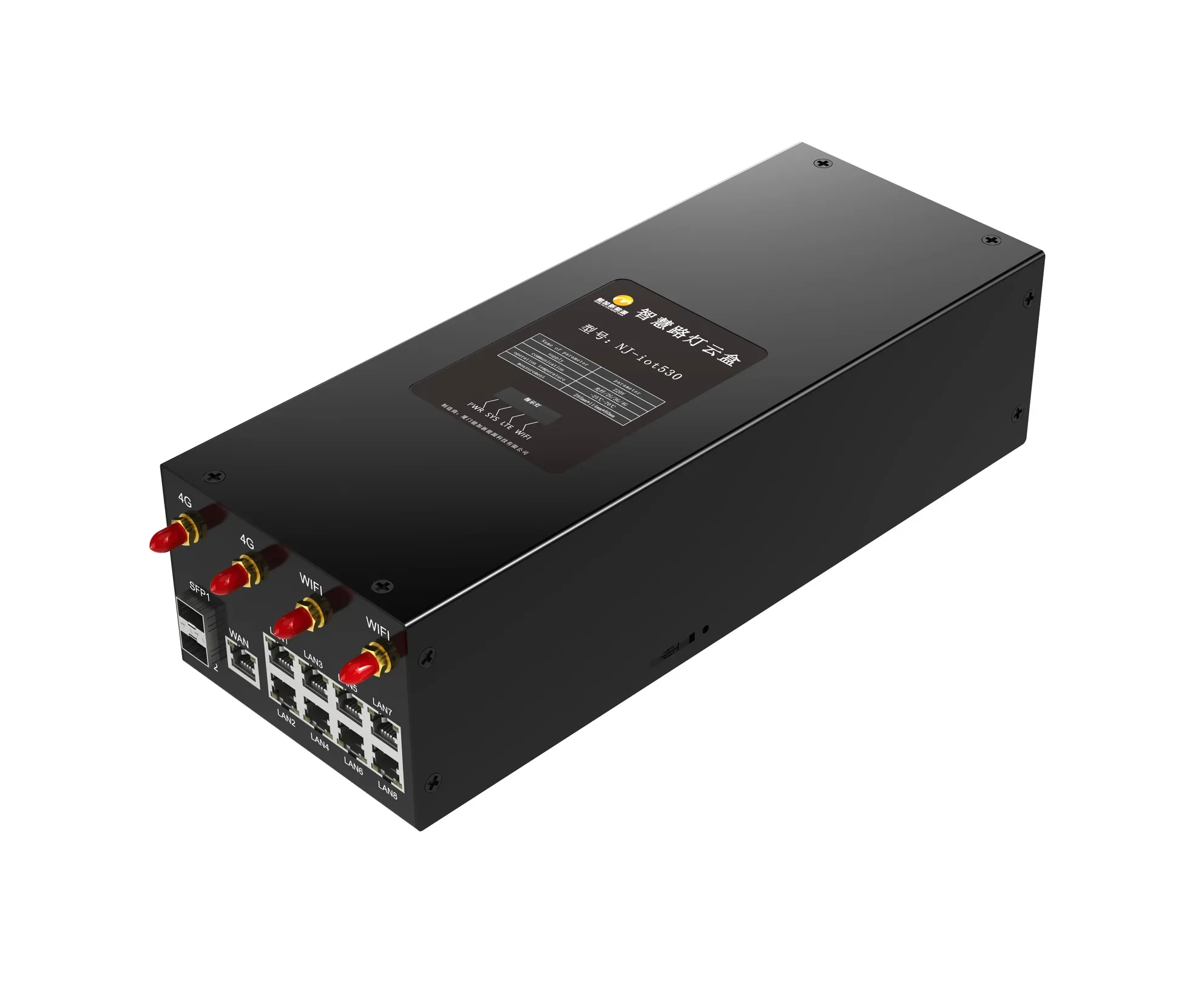
After publishing our latest product demonstration video, buyers and system integrators sent us a long list of questions about two features: GPS positioning automatic reporting and lamp pole tilt detection. This article collects the 15 questions we answered in the demo and organizes them into three topics, so you can quickly confirm how the gateway behaves in the field.
1. GPS positioning automatic reporting
Which positioning technology is used? The gateway uses dual-mode positioning: a combined BeiDou + GPS module, so the device works across both constellations for better coverage and reliability.
How accurate is it? Positioning accuracy ranges from 1 to 2 meters — enough to place a light pole on the correct section of a street on the map.
What happens on first power-on? Before the device is calibrated, its coordinates show at the map origin (the default initial position). Once the device is powered on and connects to the network for the first time, it automatically reports its current latitude and longitude, and its marker on the map updates to the actual position.
What if the device is moved? Power it off, move it to a new location and power it back on — the gateway automatically reports its new coordinates and the map point updates accordingly. No manual configuration is needed; refreshing the page shows the latest position.
2. Lamp pole angle initialization
How is tilt detected? A three-axis acceleration sensing chip measures the tilt angle of the light pole, with a measurement accuracy of ±1°.
Why initialize? Every pole leans a little differently once installed. Initialization sets the actual installation posture as the reference zero point (0°), so all later tilt calculations use the real mounting position as the baseline.
The initialization procedure takes four steps in the configuration page:
- Open the Light Pole Sloping configuration page
- Check the current pole tilt angle
- Click Initialize
- After the page updates, the angle reads 0 degrees
3. Light pole tilt alarm
What does the monitoring page show? The Light Pole Sloping page displays three values: the real-time detected tilt angle, the alarm status (“No Alarm” or “Alarm Active”), and the alarm threshold — set to 20 degrees in this demonstration.
Is the threshold configurable? Yes. The 20-degree value in the demo is just the preset; you can adjust the threshold on the configuration page to match the site’s safety requirements.
How is the alarm triggered? When the detected tilt angle exceeds the threshold, the system triggers an alarm automatically. In the demo, a pole tilted to 28 degrees against the 20-degree threshold immediately produced a pop-up notification.
Do you need to stay on a specific page to see the alarm? No. The alarm is based on global real-time monitoring: whichever page you are on in the system, the tilt alert pops up. This matters in daily operation — the monitoring station does not have to keep the tilt page open to catch an event.
Want the full question-by-question version? Download the original demo Q&A document (PDF), or contact us for a datasheet and a quotation for the NJ-iot530 smart street light gateway.
Download the Q&A (PDF) | Contact us for a quotation | View all gateways