
Coordinate every layer of a smart pole deployment
Manage poles, cabinets, gateways, cameras, and lighting devices through one project-oriented platform built for deployment, commissioning, and maintenance.
Asset view
Map, site, device status
Field work
Install, commission, maintain
Deployment
Cloud, hybrid, private
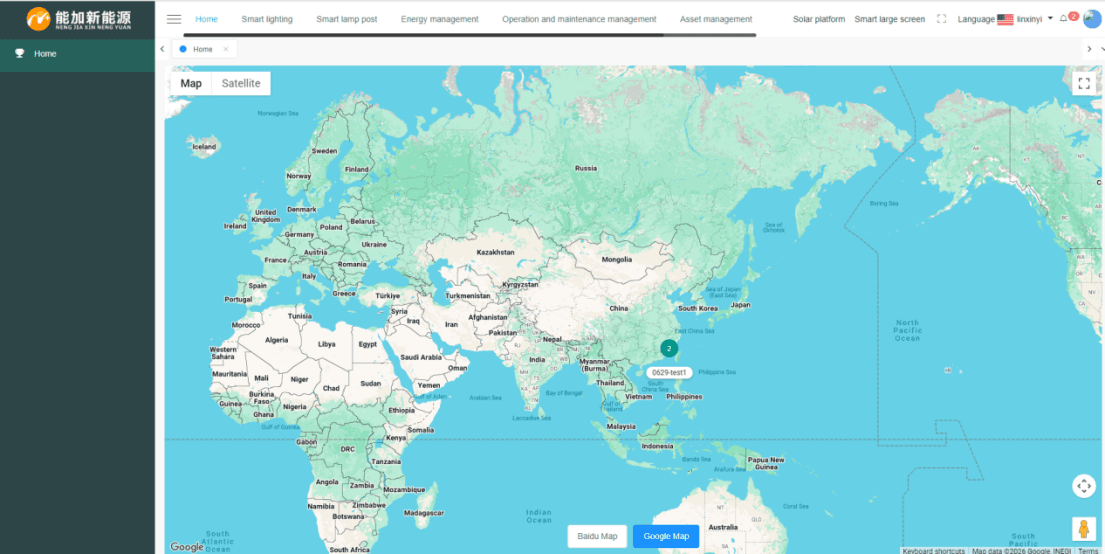
Live platform view
Map-based asset management for connected pole infrastructure.
Project layer
Pole, cabinet, gateway, and field operations in one view.
A cleaner operating path from asset record to field action
The platform connects map-based assets, site records, connected hardware, alarms, and maintenance workflows so project teams can move from visibility to action.
Field operations
Track poles, cabinets, and gateways by project site with map-based location and device status.
Commissioning, maintenance, handover
Edge + cloud
Keep local control at the pole while syncing status, alarms, and history to the platform.
Hosted, hybrid, private deployments
Real device mix
Bring lighting controllers, gateways, sensors, displays, and cabinet hardware into one workflow.
Lighting, sensors, displays, cabinets
Project delivery records
Connect platform records with installation and commissioning photos so project teams can review how the system is delivered.
Clearer project communication
Smart pole platform map and access views
Review project assets, site locations, and platform access points from the NetJoin smart pole management system.
Global map view
Map-based asset view for locating projects, checking device positions, and opening site records.
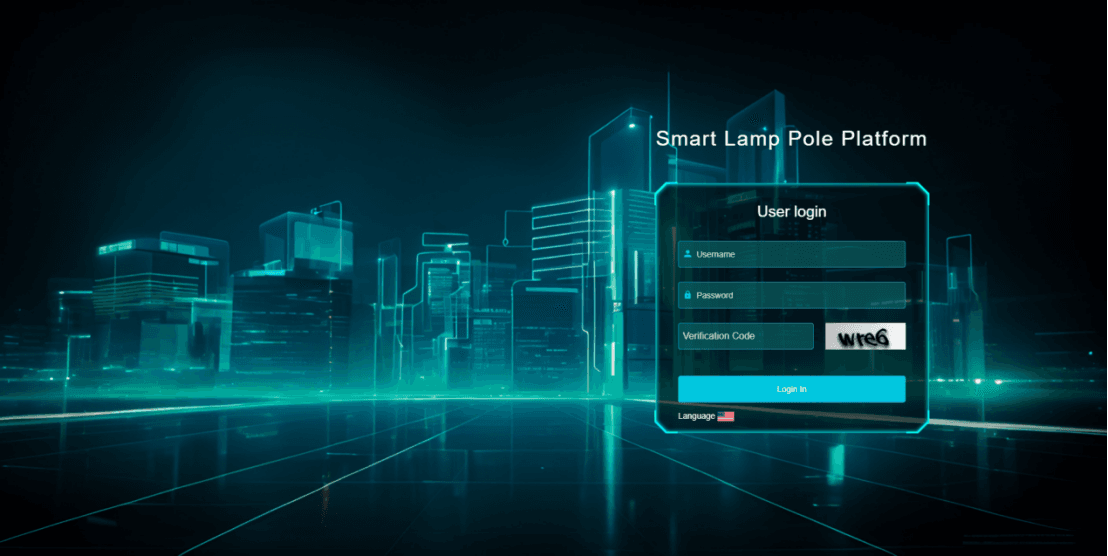
Smart lamp pole platform
Dedicated platform entry for smart lamp pole projects and operations teams.
Built for project teams
Use the same operating surface for asset lookup, commissioning checks, alarm review, and maintenance follow-up.
Installation and commissioning on site
Field photos show cabinet wiring, pole installation, and on-site checks for smart pole projects.
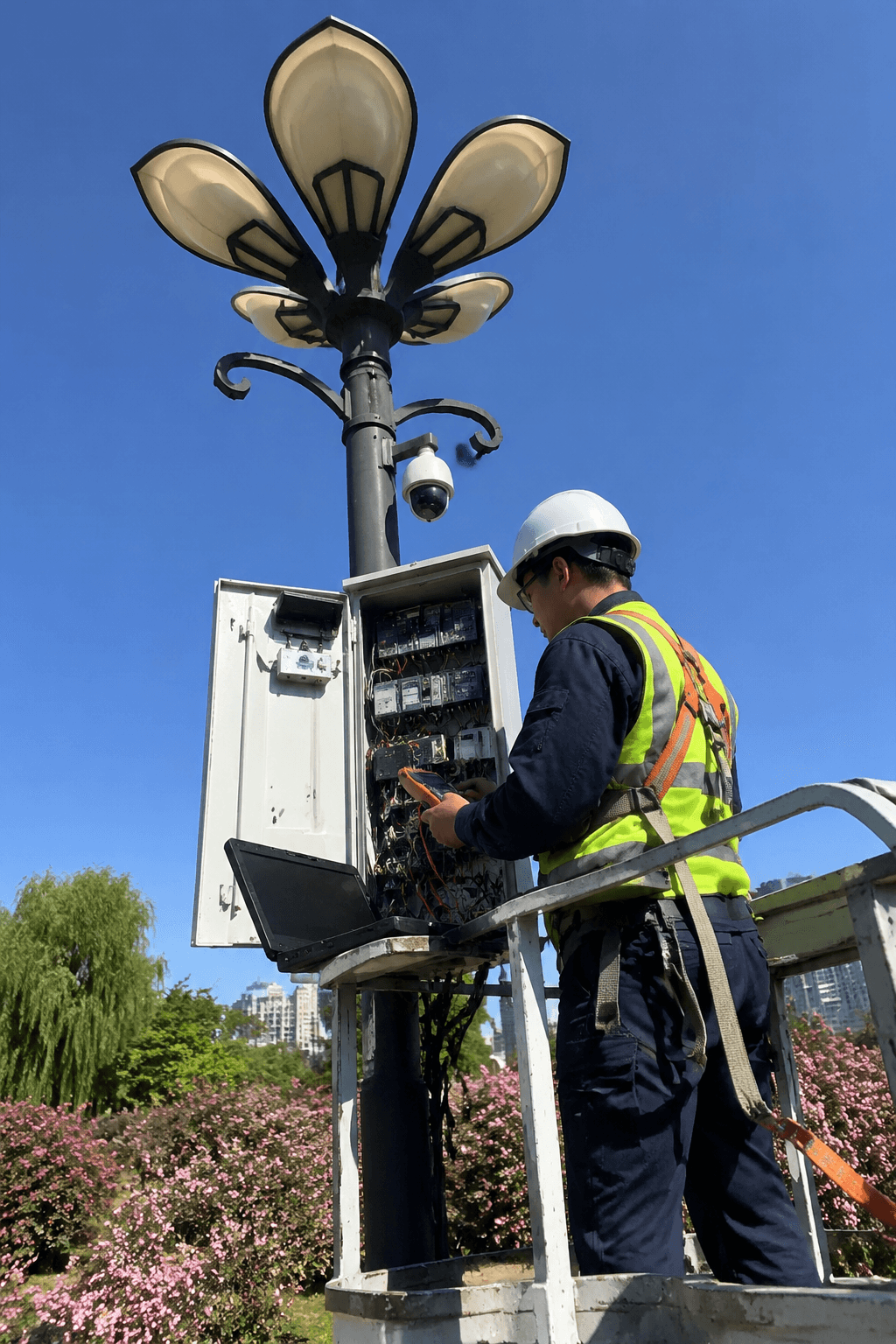
Pole-side cabinet commissioning
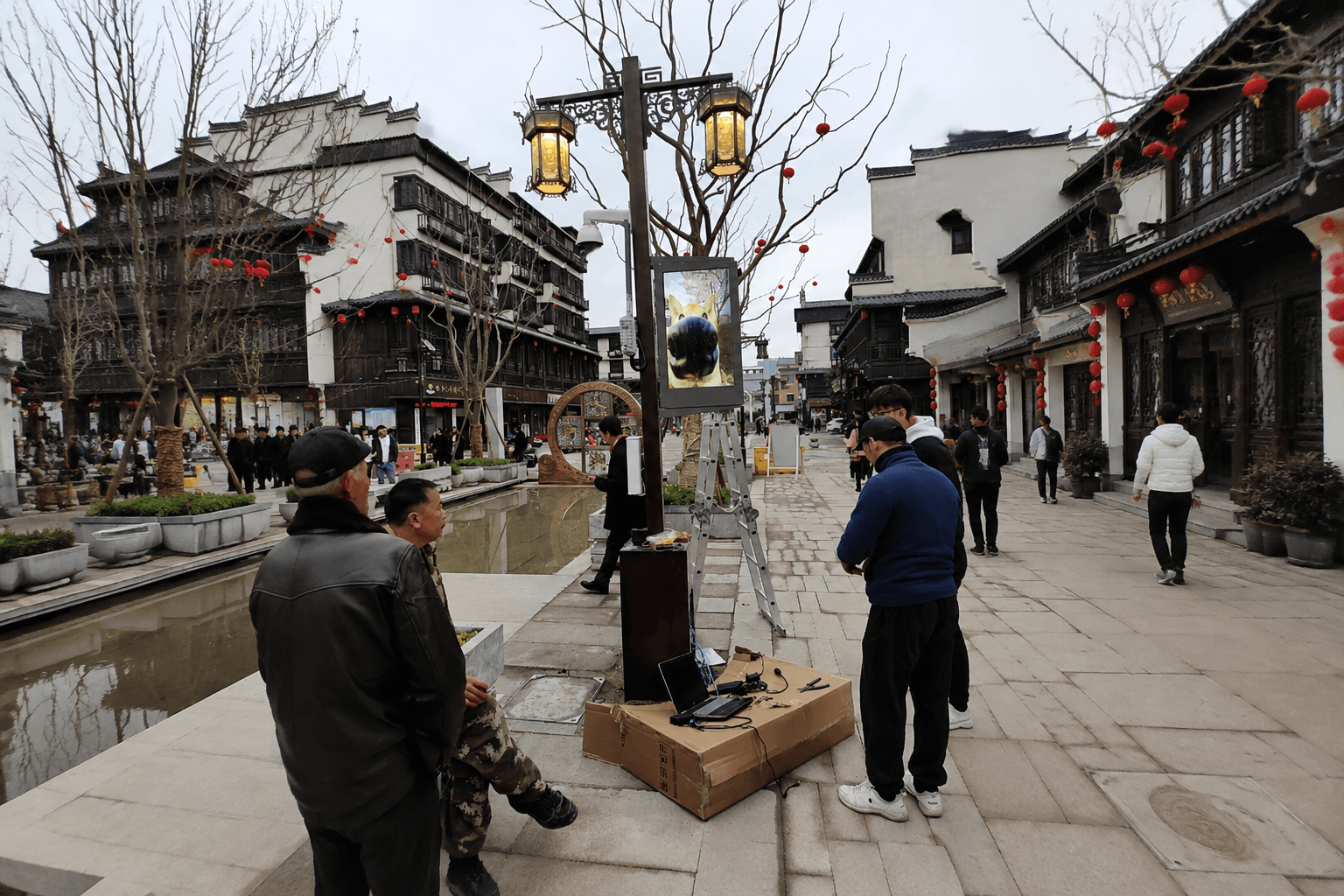
Street-side installation and debugging
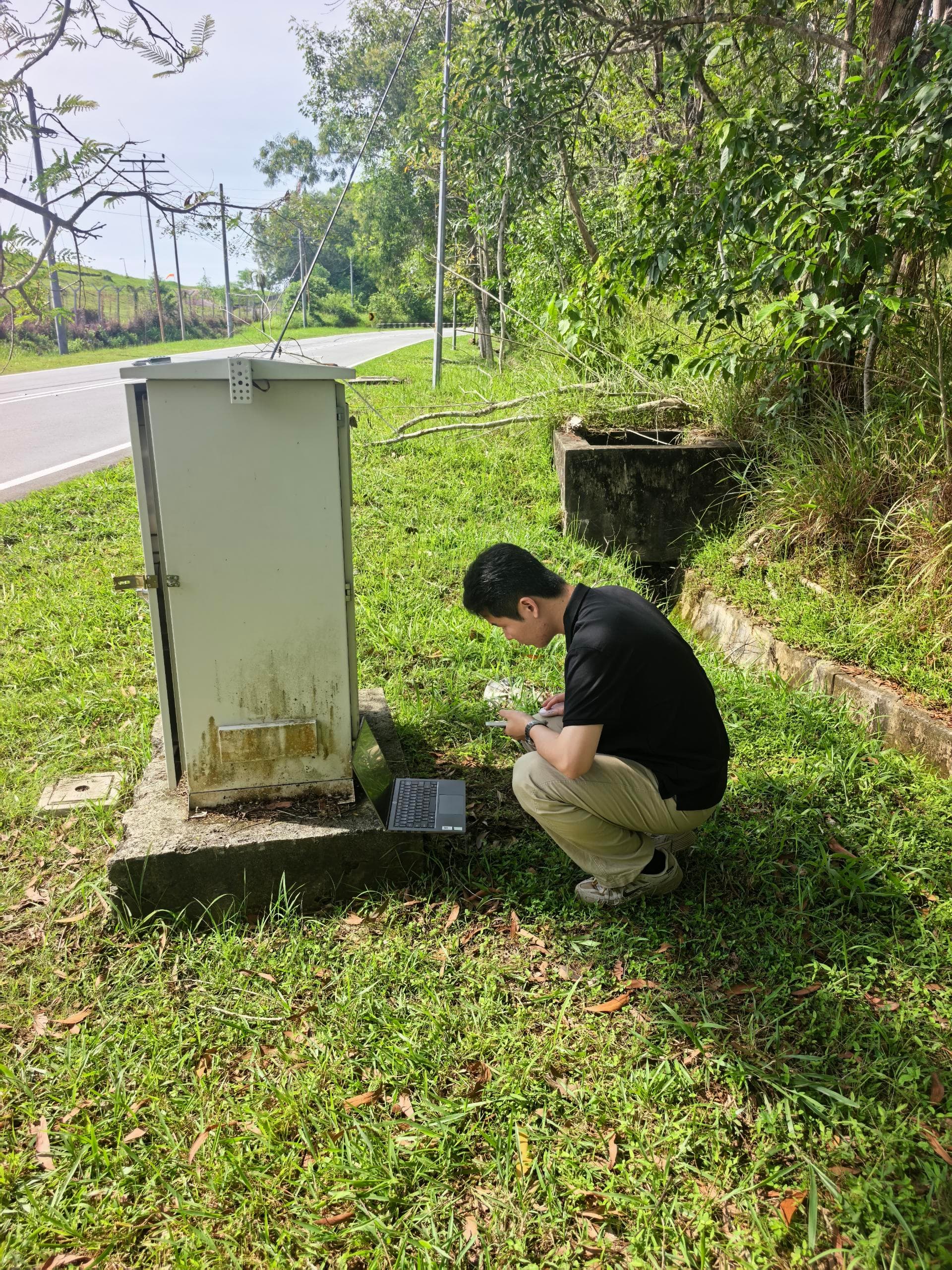
Cabinet-side commissioning
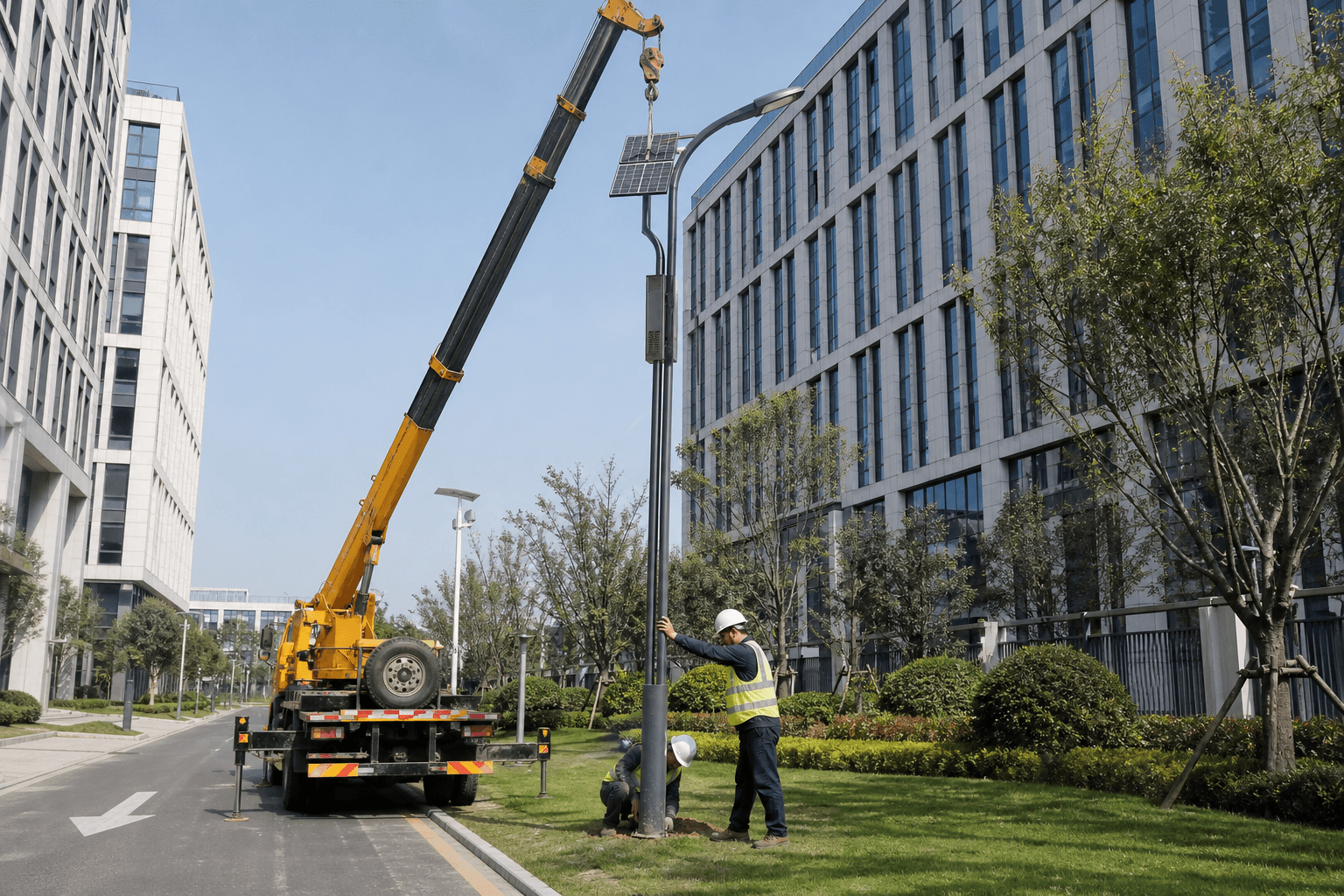
Pole installation support
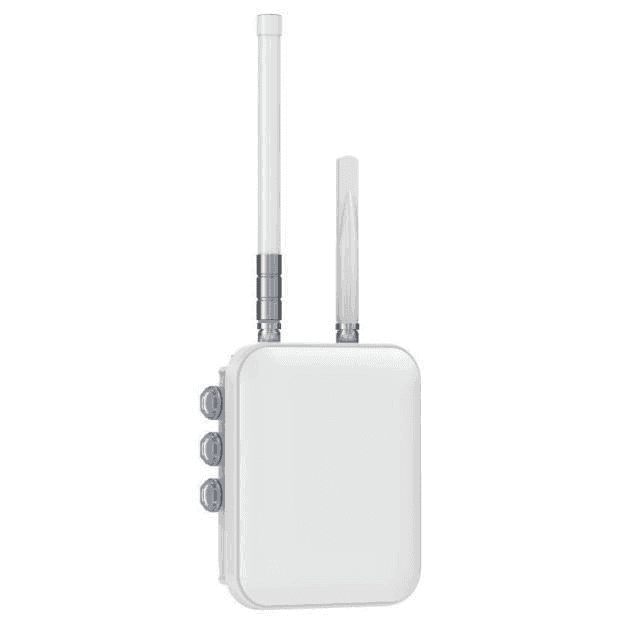
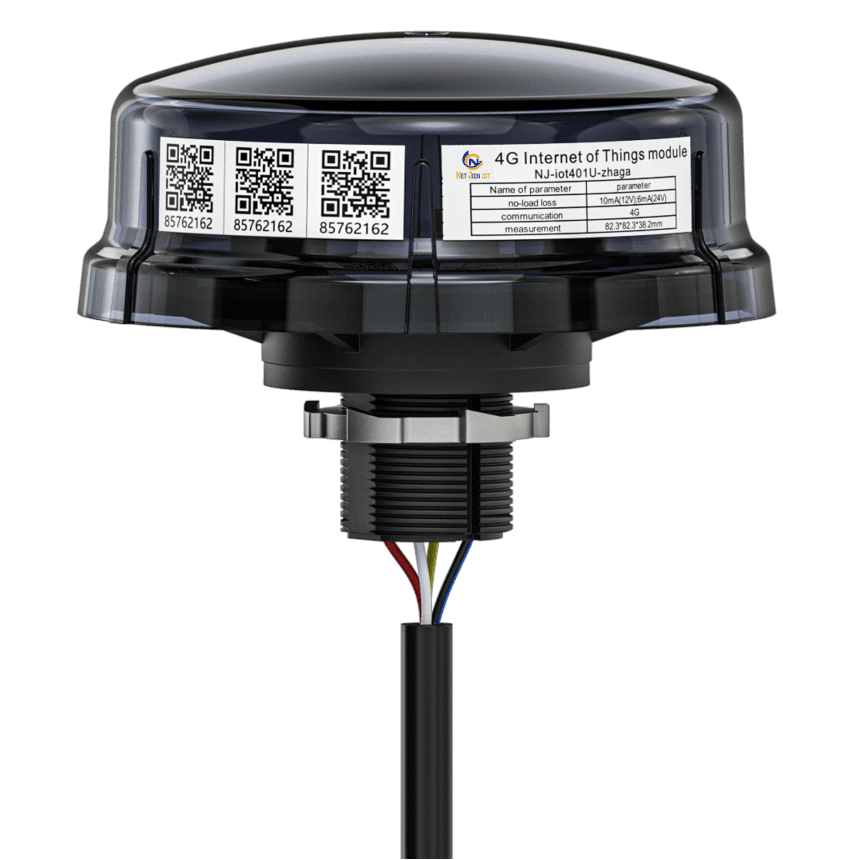
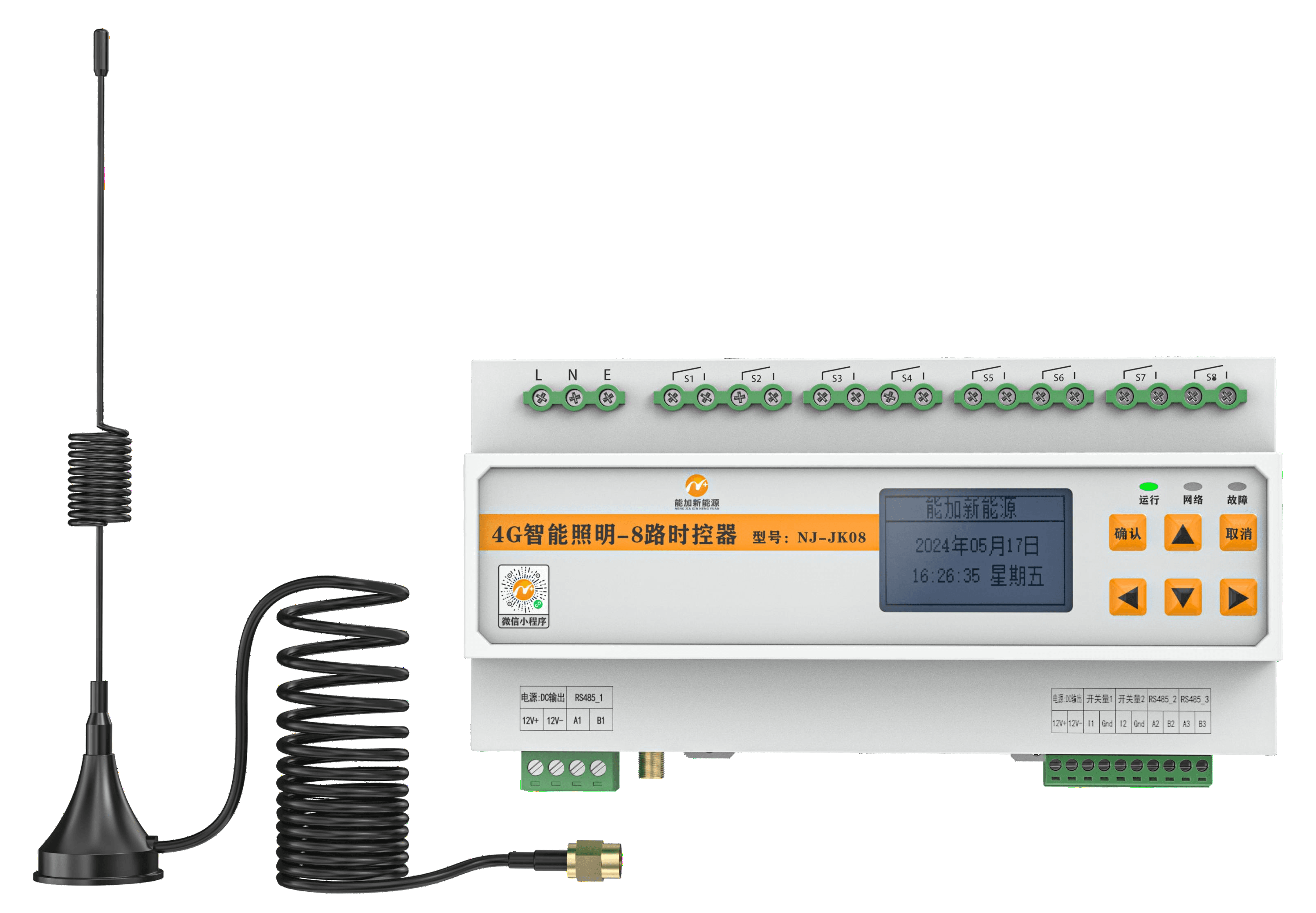
Hardware connected to the smart pole platform
Gateways, controllers, and cabinet devices support remote control, telemetry, alarms, and maintenance workflows.
Choose the operating model
Select hosted cloud, hybrid edge, or private network deployment according to project security and operations requirements.
Hosted cloud
Fast onboarding for pilots and distributed projects that need remote access from day one.
Hybrid edge
Local continuity at the pole or cabinet with synchronized cloud data for daily operations.
Private network
A controlled architecture for projects with tighter integration, policy, or data residency requirements.
Plan your smart pole platform deployment
Share the project location, target device mix, and preferred deployment model to prepare a platform and hardware plan for pilots, district rollouts, or private network deployments.